
Buying a new smartphone is always exciting. Whether you have upgraded from an older model or purchased your first phone, you may want to start using it immediately. However, there are a few important things you should do before filling it with apps, photos and personal information.
Setting up your phone properly from the beginning can make everyday use easier. It can also help you protect your personal data, avoid unnecessary notifications and keep your device organised.
Many people skip these basic steps because they are eager to explore their new phone. But spending a little time on the initial setup can save you from common problems later.
Here are seven simple things to do after buying a new phone.
1. Check the Phone Before Setting It Up
Before switching on your new smartphone, take a few minutes to check its physical condition. Look carefully at the screen, camera lenses, back panel and charging port.
Make sure there are no visible scratches, cracks or dents. If you notice anything unusual, contact the seller or service centre as soon as possible.
You should also check whether the box contains all the accessories mentioned by the seller. Depending on the model, this may include a charging cable, SIM ejector tool and other items.
Keep the bill, warranty details and original packaging in a safe place. These may be useful if you need support or service in the future.
2. Install the Latest Software Update
A new phone may not always come with the latest software version. Manufacturers regularly release updates to improve performance, fix bugs and provide security improvements.
After connecting your phone to a trusted Wi-Fi network, check its software update section.
If an update is available, read the details and install it when convenient. Make sure your phone has enough battery or is connected to a charger during the process.
Avoid downloading software updates from unknown websites or links. Use the update option available in your phone’s official settings.
3. Set a Strong Screen Lock
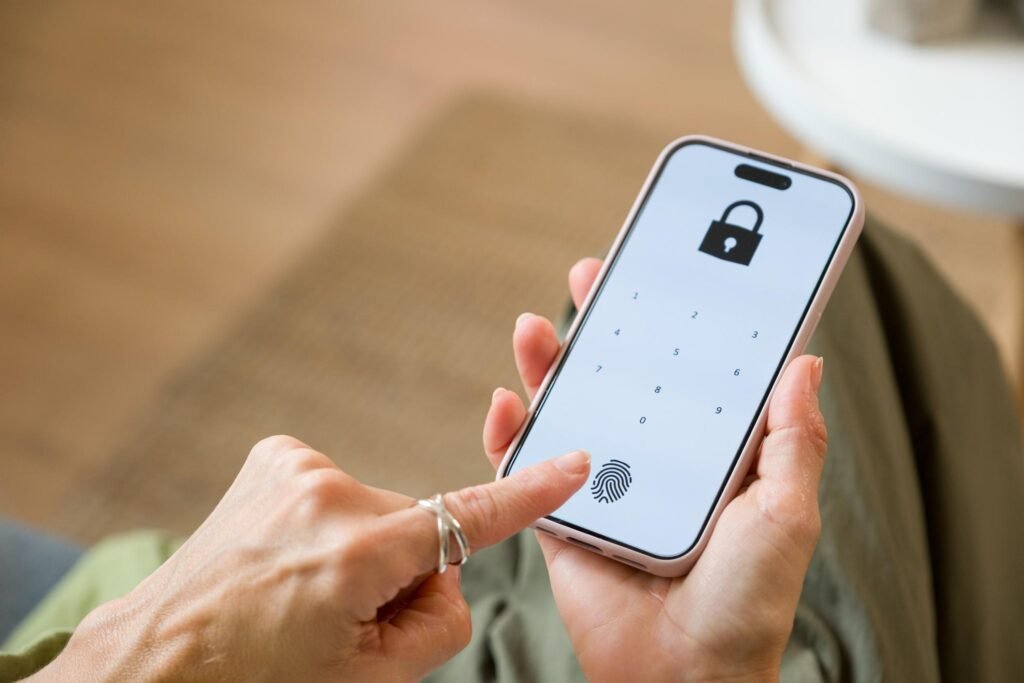
Your smartphone may contain personal photographs, messages, contacts, emails and financial information. Leaving it without a screen lock can put this information at risk if the device is lost or accessed by someone else.
Set a PIN, password or pattern that is not easy to guess. If your phone supports fingerprint or face recognition, you can also enable these features.
Avoid simple combinations such as 1234 or your date of birth. Choose a lock method that is convenient for you but difficult for others to guess.
It is also a good idea to check the automatic screen-lock timing so that your phone locks when it is not being used.
4. Transfer Only the Data You Need
When moving from an old phone to a new one, transferring everything may seem like the easiest option. However, it can also bring unnecessary files, duplicate photographs and unused applications to your new device.
Before transferring data, check what you actually need.
Move important contacts, selected photographs, documents and messages. Review your old apps and install only those you use regularly.
You can also remove duplicate files and old downloads before starting the transfer. This gives your new phone a cleaner beginning and makes it easier to find important information.
Always use the official transfer options provided by your phone manufacturer or operating system.
5. Review App Permissions Carefully
Many applications ask for access to your camera, microphone, contacts, location and storage. Some permissions are necessary for an app to work properly, while others may not be required.
Before installing several applications, think about what access each one really needs.
For example, a navigation app may need location access, while a simple calculator generally does not need access to your contacts.
Open your phone’s privacy or permission settings and review the access given to different apps. You can change permissions later if an application requests something unnecessary.
This small step helps you stay more aware of how your personal information is being used.
6. Turn On Phone Backup
Losing a phone can be frustrating, especially when it contains important photographs, contacts and documents.
A backup can help you recover selected information if your device is damaged, lost or replaced.
Check the backup options available on your phone. Depending on the device, you may be able to back up contacts, photographs, settings and other data through an official cloud service.
You can also keep important files on a trusted computer or external storage device.
Check how much backup storage is available and review which items are being saved. Remember that some services may have storage limits or paid plans.
7. Remove Unnecessary Notifications
A new phone can quickly become distracting when every application sends alerts throughout the day.
Social media apps, shopping platforms, games and other services may send notifications that are not important to you.
Instead of allowing every alert, review notification settings for each application. Keep important notifications for calls, messages, banking alerts and other services you genuinely need.
You can also adjust notification sounds and display settings according to your preference.
A less crowded notification panel makes it easier to notice important updates without constantly checking your phone.
Give Your New Smartphone a Better Start
A new smartphone is more than just a device for calls and entertainment. It often stores important parts of everyday life, from personal photographs to work documents and private conversations.
Taking a few minutes to check its condition, install updates, set a screen lock and review privacy settings can make a real difference.
You do not need to change every setting on the first day. Start with the basics and gradually organise your applications, notifications and backup options.
These simple steps can help you enjoy your new phone with greater convenience and better control over your personal information.