Social media has become a regular part of everyday life. People use Instagram, Facebook and other platforms to share photographs, daily updates, travel memories and special moments with friends and family.
Posting online can be fun, but sharing too much information without thinking can sometimes create problems. A photograph, location update or personal detail may reveal more than you intended.
Many people do not realise how much information they make public through their regular posts. Even small details about daily routines, family members and personal plans can be visible to people outside their close circle.
You do not have to stop using social media to protect your privacy. Being a little more careful about what you share can make your online experience safer and more comfortable.
Here are seven common social media habits you should think twice about.
1. Posting Your Live Location Everywhere
Sharing travel photographs and visiting new places is one of the most popular social media activities. However, posting your exact location while you are still there may not always be a good idea.
Regularly sharing live location updates can reveal where you are at a particular time. It may also help others understand your daily movements if you post such updates frequently.
Instead of sharing your location immediately, consider uploading photographs after you have left the place.
You can still share your holiday memories, favourite restaurants and weekend outings without revealing your real-time location to everyone.
2. Sharing Too Many Details About Your Daily Routine
Some people regularly post when they leave for work, when they return home or where they spend their evenings.
Although these updates may seem harmless, repeatedly sharing the same information can reveal your daily schedule.
For example, posting that you leave home at a particular time every morning may give strangers an idea about your routine.
Try to keep personal schedules private. You can share general updates about your day without mentioning exact timings or regular movements.
It is also better to avoid posting details that reveal when your home may be empty.
3. Uploading Pictures of Important Documents
Photographs taken during travel, office visits or special occasions sometimes include documents in the background.
People may accidentally share boarding passes, identity cards, office papers, bills or other personal information in their photographs.
Before uploading an image, take a moment to check what is visible around you.
Avoid sharing clear photographs of documents that contain personal details, identification numbers, addresses or account information.
If you need to share a document for a genuine reason, hide unnecessary personal information first. A quick check before posting can prevent accidental exposure.
4. Accepting Every Follow Request
Getting new followers can feel exciting, especially when your account receives regular attention.
However, accepting every follow request without checking the profile may not be a good habit.
Some accounts may use unfamiliar photographs, have very little information or appear suspicious. You do not always know who is behind a profile.
Take a moment to check whether you recognise the person or have a genuine reason to connect with them.
If you are uncomfortable, you can simply decline the request. Keeping your account private and reviewing your followers regularly can also help you manage who sees your posts.
5. Sharing Personal Family Information
Family photographs, birthday celebrations and festival moments are common social media posts. However, it is important to think about the privacy of other family members too.
Avoid sharing sensitive details such as someone’s phone number, home address, school information or personal documents.
Be especially careful when posting photographs of children. Their school uniforms, identity cards or regular locations may reveal information that should remain private.
Before uploading a family photograph, consider whether everyone involved is comfortable with it being shared.
A happy memory does not always need to be visible to the entire internet.
6. Using the Same Password for Every Account
Many people use the same password for multiple social media accounts because it is easier to remember.
However, this habit can create problems if one account is compromised. Someone who gets access to one password may try using it on other platforms as well.
Use different passwords for important accounts. Choose passwords that are difficult to guess and avoid using obvious details such as your name or date of birth.
You can also use a trusted password manager to organise them.
Where available, turn on two-factor authentication. This adds another verification step when someone tries to access your account.
7. Posting Every Personal Achievement and Purchase
Sharing achievements, celebrations and new purchases can be enjoyable. There is nothing wrong with celebrating special moments online.
However, posting every expensive purchase, financial update or personal achievement may reveal information that you would rather keep private.
You do not need to share every detail of your personal life to stay connected with friends and followers.
Think about whether a post reveals your financial situation, personal plans or other information that could be misused.
Share what makes you happy, but keep sensitive details within your trusted circle.
Make Social Media Use More Private
Social media should be a place where you can connect with people, enjoy content and share moments comfortably. But it is also important to understand that not everything needs to be posted online.
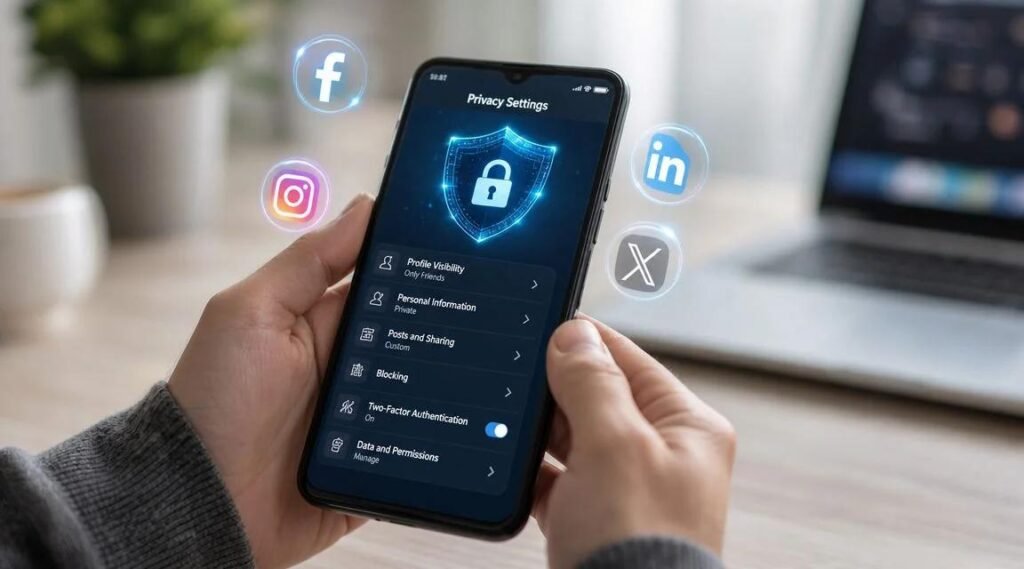
Review your privacy settings, avoid sharing live locations and think carefully before uploading photographs or personal updates.
You can also regularly check your followers, remove accounts you do not recognise and use stronger account security.
The best approach is to enjoy social media without feeling the need to share every part of your life. A little care before posting can help you maintain better control over your personal information.